6sense + Pardot = Better together
- Identify accounts demonstrating buying signals and create unified account profiles
- Prioritize and segment accounts based on competitive research, predictive in-market scores, website visits, and engagement
- Optimize your resources by focusing on in-market accounts most likely to purchase
- Engage buyers using orchestration capabilities across a broad range of channels
Form enrichment with 6sense + Pardot
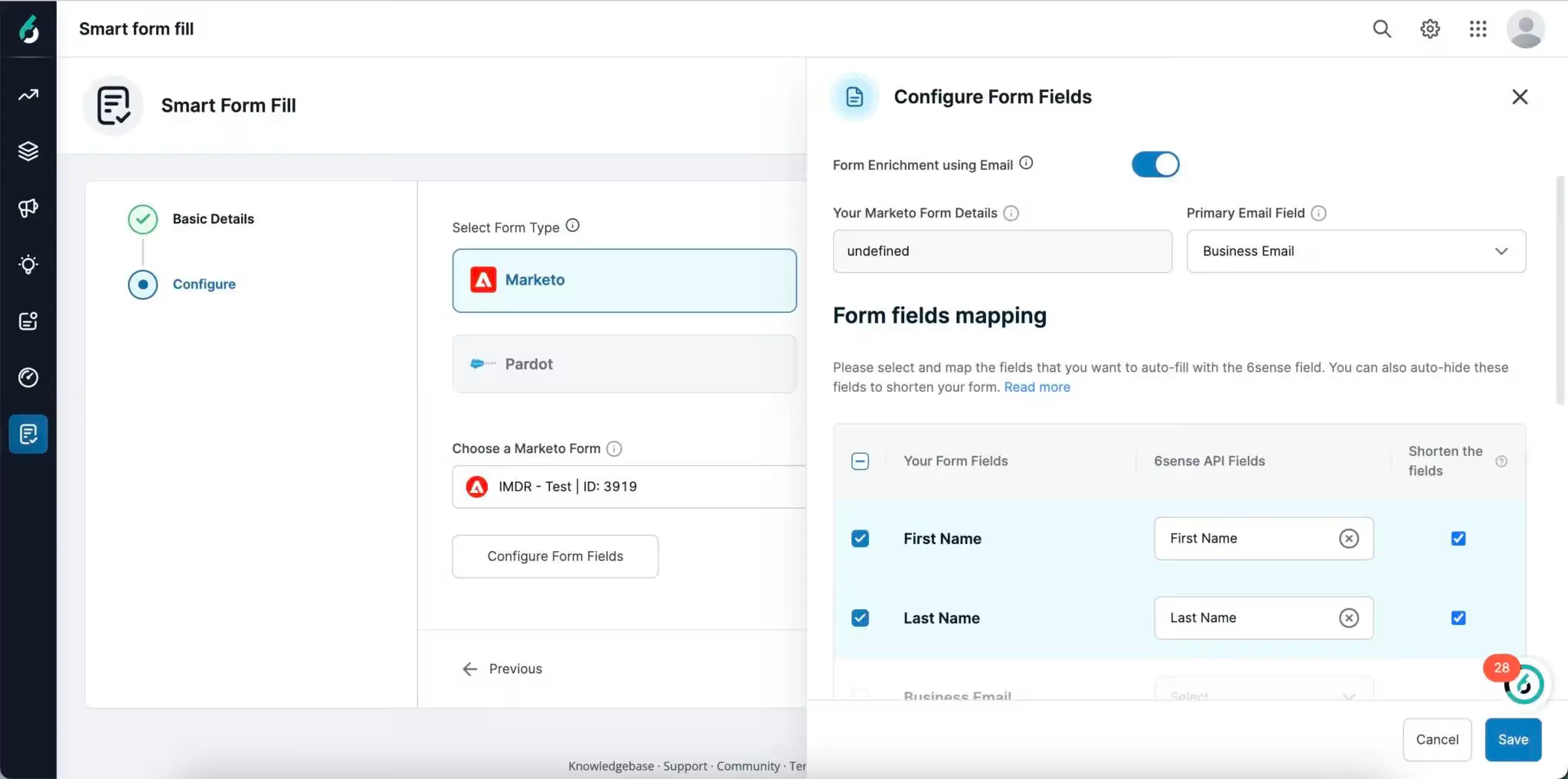
Unlock the power of 6sense Smart Form Fill, seamlessly integrating with leading MAP providers like Salesforce Pardot, empowering your marketing operations team with real-time form enrichment.
With Smart Form Fill, effortlessly configure enrichment for any number of Pardot forms and map attributes with ease. By leveraging the power of our extensive company and people databases, 6sense automatically collects and enriches your records with reliable data, eliminating the need to repeatedly ask for information you already have.
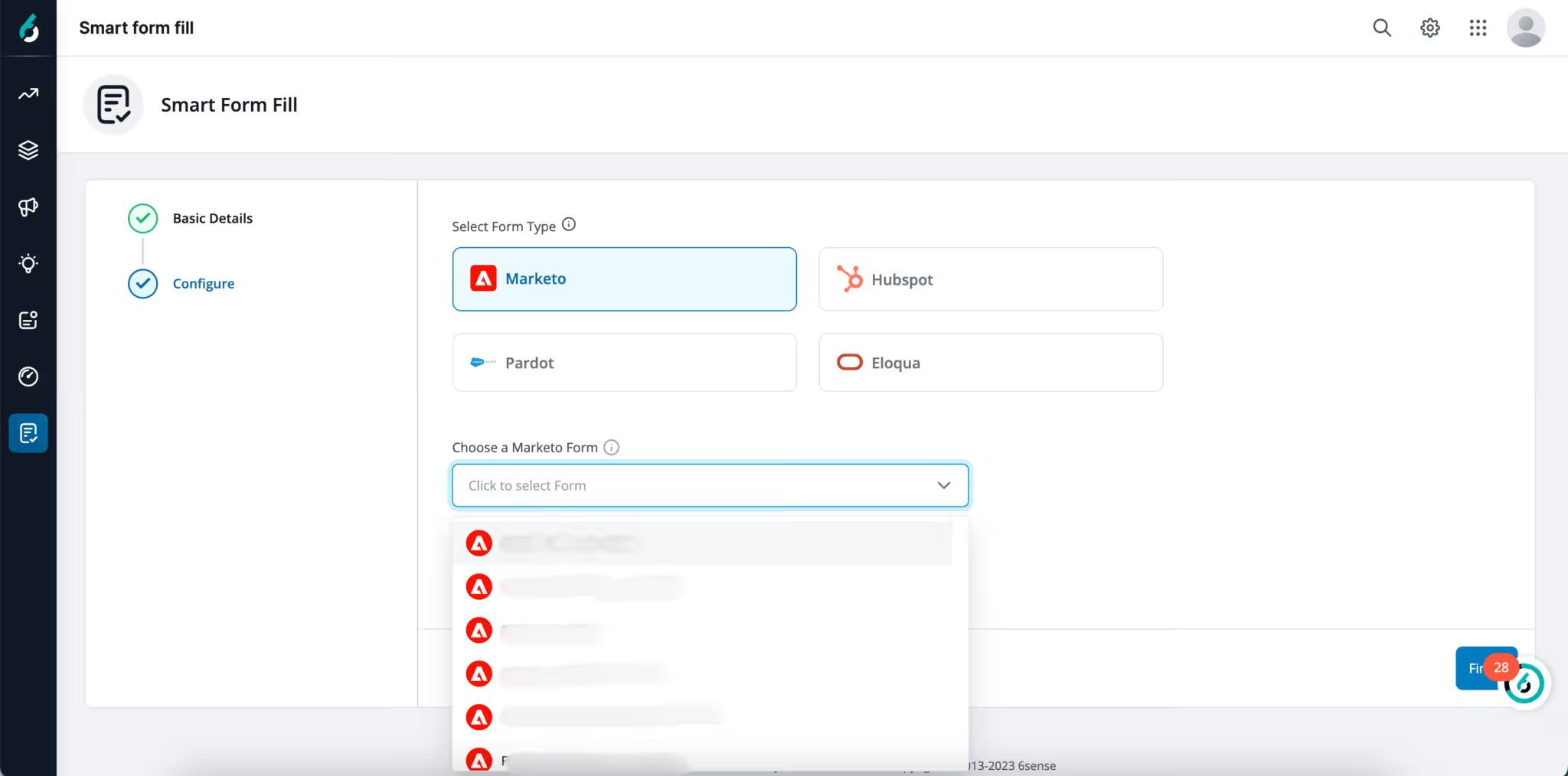
Smart Form Fill not only improves lead quality but also reduces friction points in the buyer’s journey, resulting in higher conversion rates. Take your data enrichment efforts to the next level with our comprehensive offerings, enabling you to acquire missing contact information, build complete buying teams, and align your marketing and sales efforts seamlessly.